DNS & Domain Expiry Monitoring 🆕
Watch the records and registration your site depends on
Written By David
Last updated 10 days ago
Two things quietly keep your website reachable: your DNS records (which tell the internet where your site lives) and your domain registration (your ownership of the name itself). If either breaks or lapses, your whole site can vanish, so Cromojo watches both and warns you long before that happens.
Where to find it
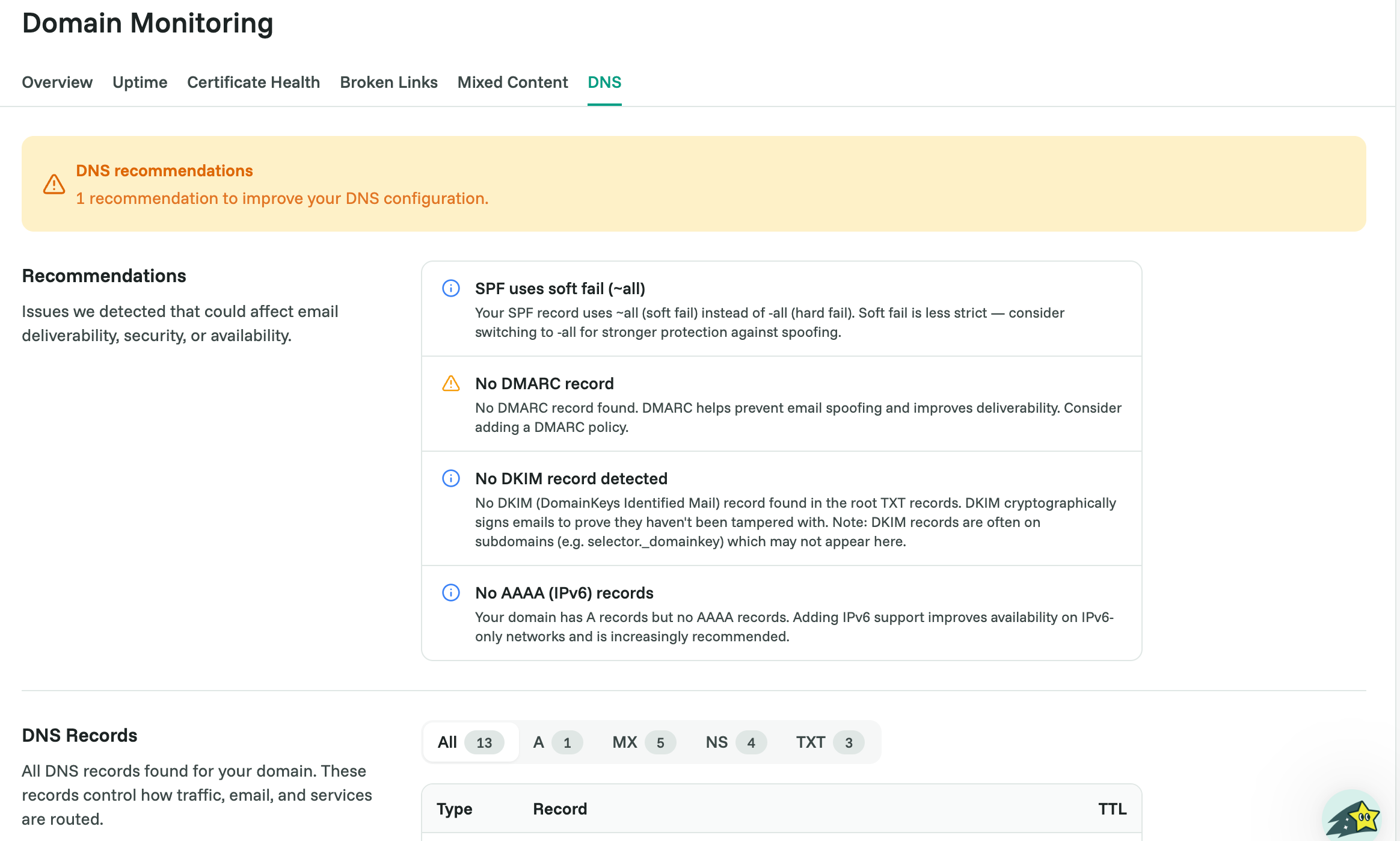
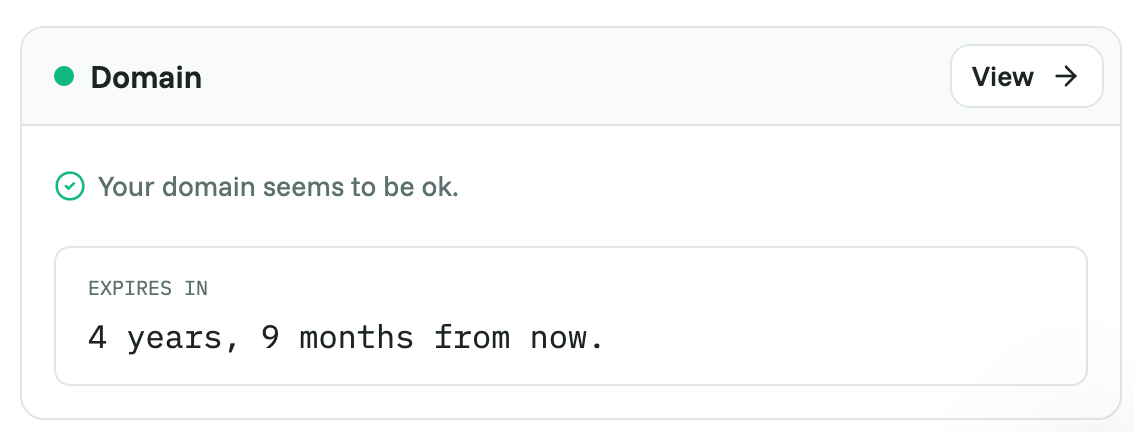
Open your site in Cromojo and go to Domain Monitoring. DNS has its own tab, and your domain’s expiry shows on the Domain tab.
DNS, in plain English
DNS (the Domain Name System) is the internet's address book. It translates your domain name (like yoursite.com) into the actual server address where your site lives. The DNS tab shows the records Cromojo detected, for example, 13 records across 2 nameservers.
Why watch it: if a DNS record changes unexpectedly, your site can break or, worse, be hijacked. Take a glance here after any DNS change (like adding email or moving hosts) to confirm everything still looks right.
Domain expiry
Your domain name is something you rent, not own forever, it has to be renewed, usually once a year. The Domain tab shows when yours expires (for example, "5 months from now").
Why it matters: if your domain registration lapses, your entire site and email go offline, and someone else could even grab the name. Make sure auto-renew is switched on with your registrar, well before the expiry date.
If something looks off
If a DNS record or your expiry date changed and you didn’t make the change, contact your domain registrar right away. Feel free to loop in support@cromojo.com and we’ll help you make sense of it.