Monitoring Overview
Domain Monitoring and Page Performance, explained
Written By David
Last updated About 10 hours ago
Cromojo Monitoring is your website's always-on health team. It quietly checks your site day and night and tells you the moment something needs attention, usually before your visitors, or Google, would ever notice. It comes in two parts.
Part 1: Domain Monitoring
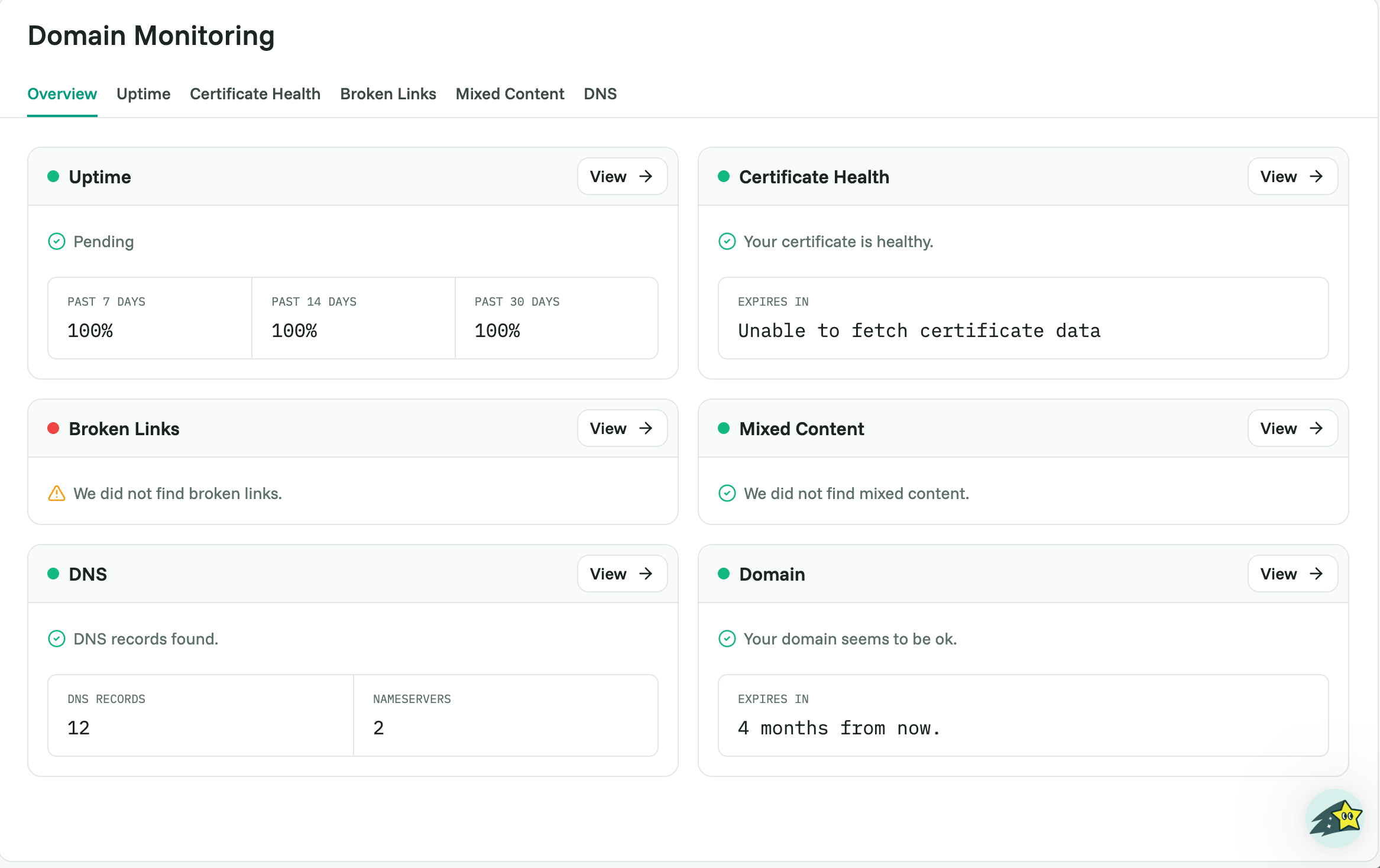
This watches the health of your site as a whole: is it online, is it secure, are its links and records intact? Uptime, Certificate Health (SSL), Broken Links, Mixed Content and DNS each have a tab, and domain expiry shows on the Overview.
Part 2: Page Performance
This grades how fast and well-built each of your pages is, using Google's Lighthouse tool. It scores Performance, Accessibility, Best Practices, and SEO, on both desktop and mobile. See Page Performance Scans Explained.

How to turn it on
Monitoring is included from Starter. Turn it on in the guided setup when you add a website, or any time in your website's Settings > Monitoring. Domain Monitoring and Page Performance each have their own switch, so you can run just one. There's nothing to install.
Choose which alerts you get by email in Settings > Notifications. You can add extra recipients: Starter 3, Pro 10, Business and Agency unlimited.
Related articles
Was this helpful?
Still need help? Ask the team