Certificate Health (SSL)
Never get caught by an expired certificate
Written By David
Last updated 21 days ago
An SSL certificate is what puts the little padlock in your visitors' address bar and turns http into https, it tells browsers your site is safe. When a certificate expires, browsers throw up a full-screen "Not secure" warning, and most visitors leave on the spot. Certificate Health makes sure that never catches you by surprise.
Where to find it
Open your site in Cromojo, go to Domain Monitoring, and click the Certificate Health tab.
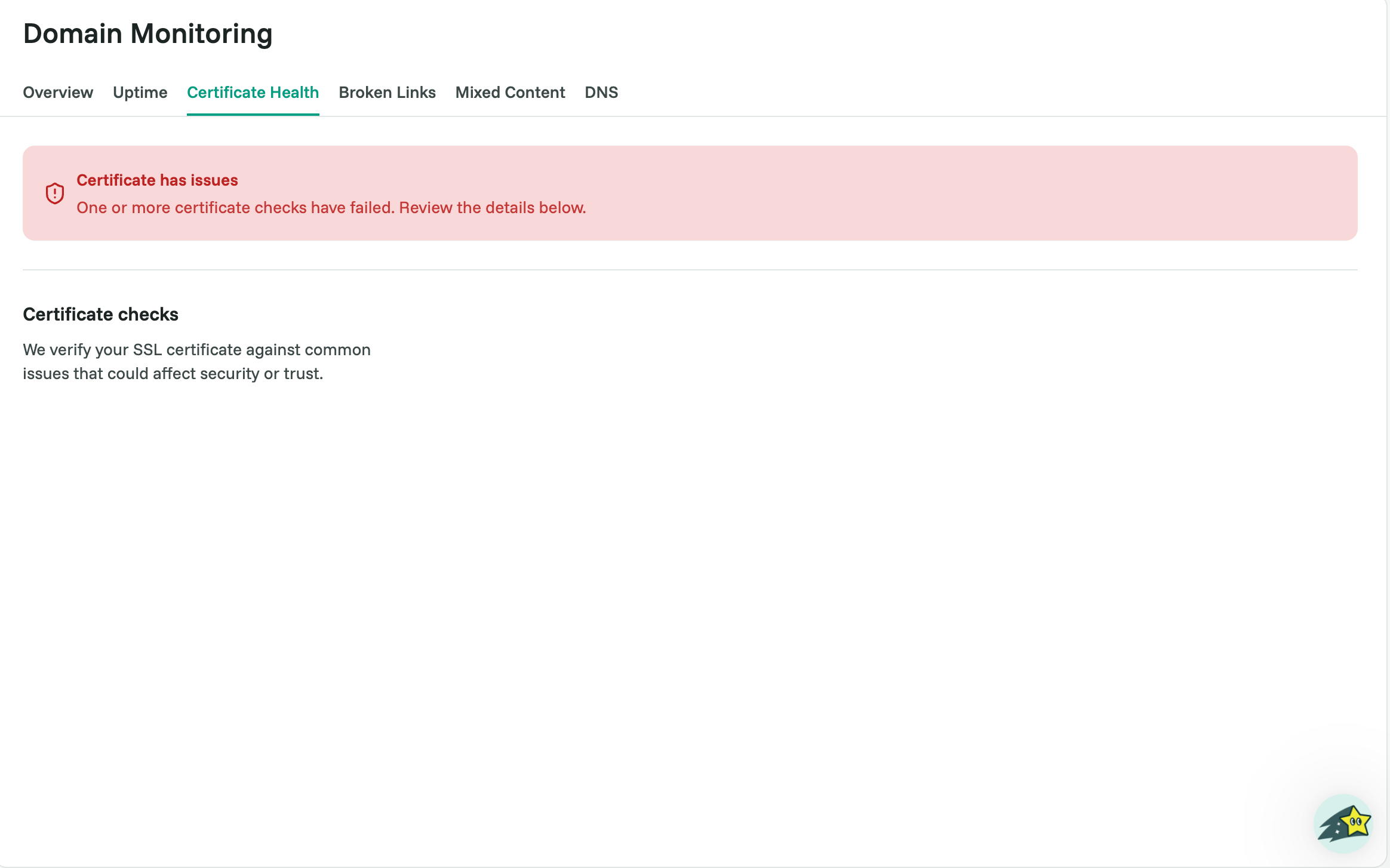
What you’ll see
A plain status, for example "Your certificate is healthy", plus how many days remain before it expires. That countdown is your early-warning system.
Why this matters
An expired certificate doesn’t just look bad: browsers block the page with a security warning, so visitors literally can’t get in. Because certificates expire on a fixed date, this is one of the most avoidable outages there is.
What to do
In most cases your certificate renews automatically through your host or provider, just glance at the countdown now and then for peace of mind.
If the days-remaining number drops low (say, under 14) and isn’t resetting, your auto-renewal may have failed. Log in to your hosting or SSL provider and renew or re-issue the certificate.
If the tab shows the certificate as unhealthy and you’re not sure why, email support@cromojo.com and we’ll help you read it.
Related articles
Was this helpful?
Still need help? Ask the team