Install on WordPress
Add Cromojo with a plugin or your theme header
Written By David
Last updated 14 days ago
On WordPress, the easiest way to add Cromojo is with a free header-insert plugin, no code editing required. There's also a manual option if you prefer.
Add the script
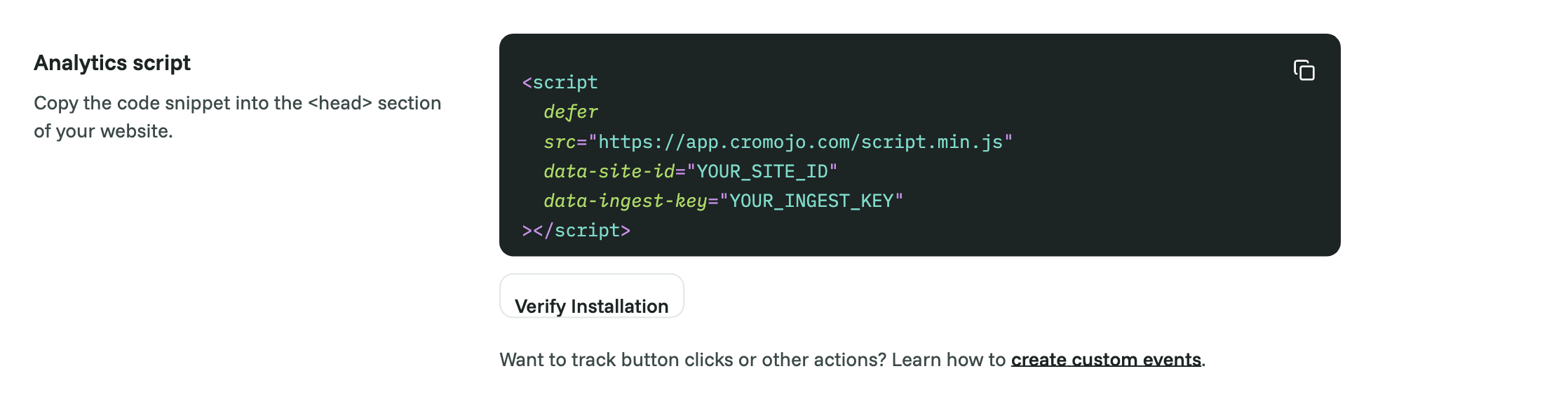
In Cromojo, go to Settings > Analytics and copy the whole snippet.
In your WordPress dashboard, go to Plugins > Add New and install WPCode. Activate it.
Open Code Snippets > Header & Footer.
Paste your Cromojo script into the Header box.
Click Save Changes.
Verify
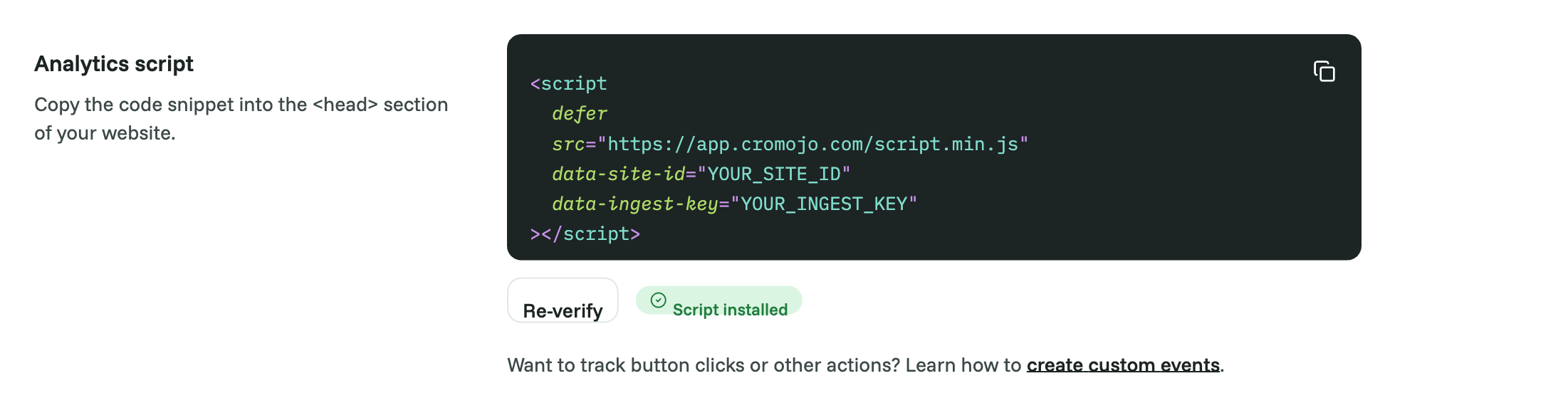
Back in Cromojo, open Settings > Analytics and click Verify Installation, or visit your own site and watch for your visit to appear on the dashboard within a minute or two.
Good to know
Prefer no plugin? You can paste the script into your theme's header.php just before </head>, but theme files can be overwritten when the theme updates, so use a child theme or the plugin method.
Using a caching plugin? Clear its cache after adding the script so visitors get the updated pages.
If you later change your First-party tracking settings in Cromojo, the snippet changes. Paste the new one in place of the old one.
Was this helpful?
Still need help? Ask the team