Install on Squarespace
Add Cromojo via code injection
Written By David
Last updated 14 days ago
Squarespace calls its custom-code area "Code Injection". You'll paste your Cromojo script into the Header box there.
Add the script
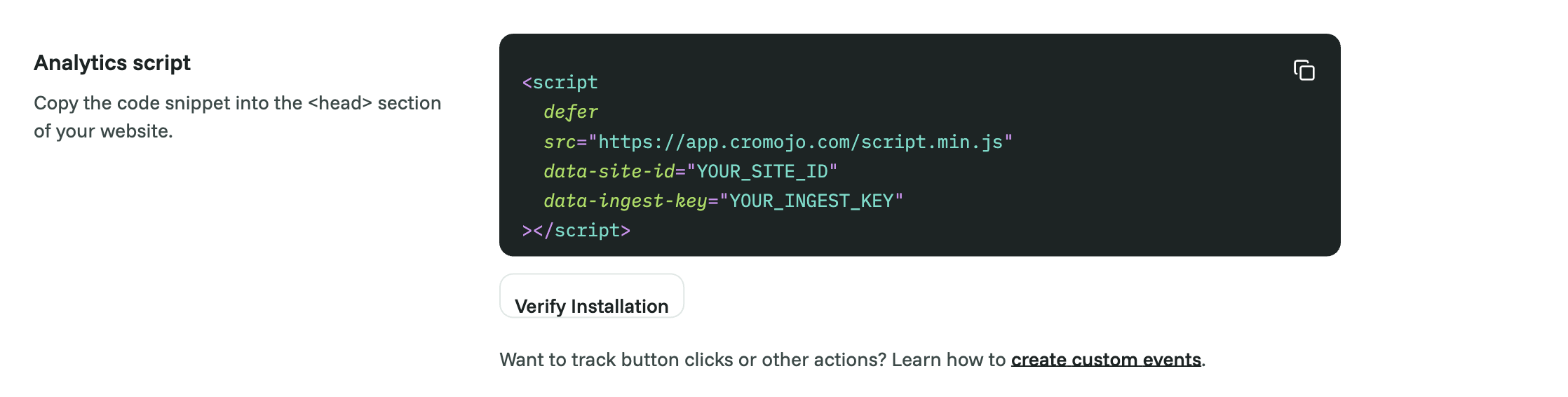
In Cromojo, go to Settings > Analytics and copy the whole snippet.
In Squarespace, go to Settings > Advanced > Code Injection.
Paste your Cromojo script into the Header box.
Click Save.
Verify
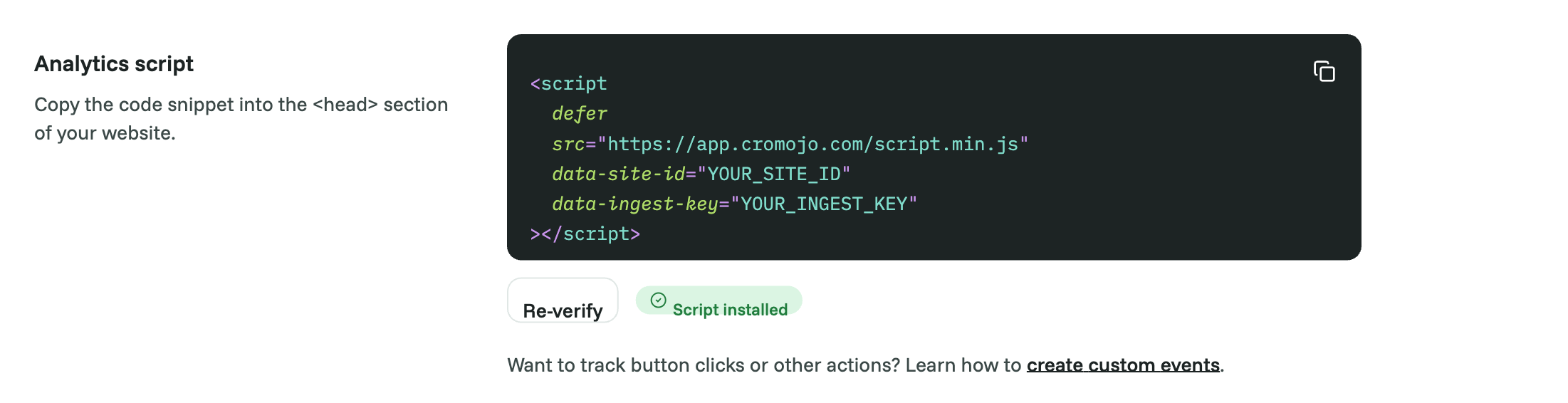
Back in Cromojo, open Settings > Analytics and click Verify Installation, or visit your own site and watch for your visit to appear on the dashboard within a minute or two.
Good to know
Code Injection is only available on some Squarespace plans. If you don't see it, you may need to upgrade.
If you later change your First-party tracking settings in Cromojo, the snippet changes. Paste the new one in place of the old one.
Was this helpful?
Still need help? Ask the team