Weekly Stats
See the indexing work Cromojo does each week
Written By David
Last updated About 10 hours ago
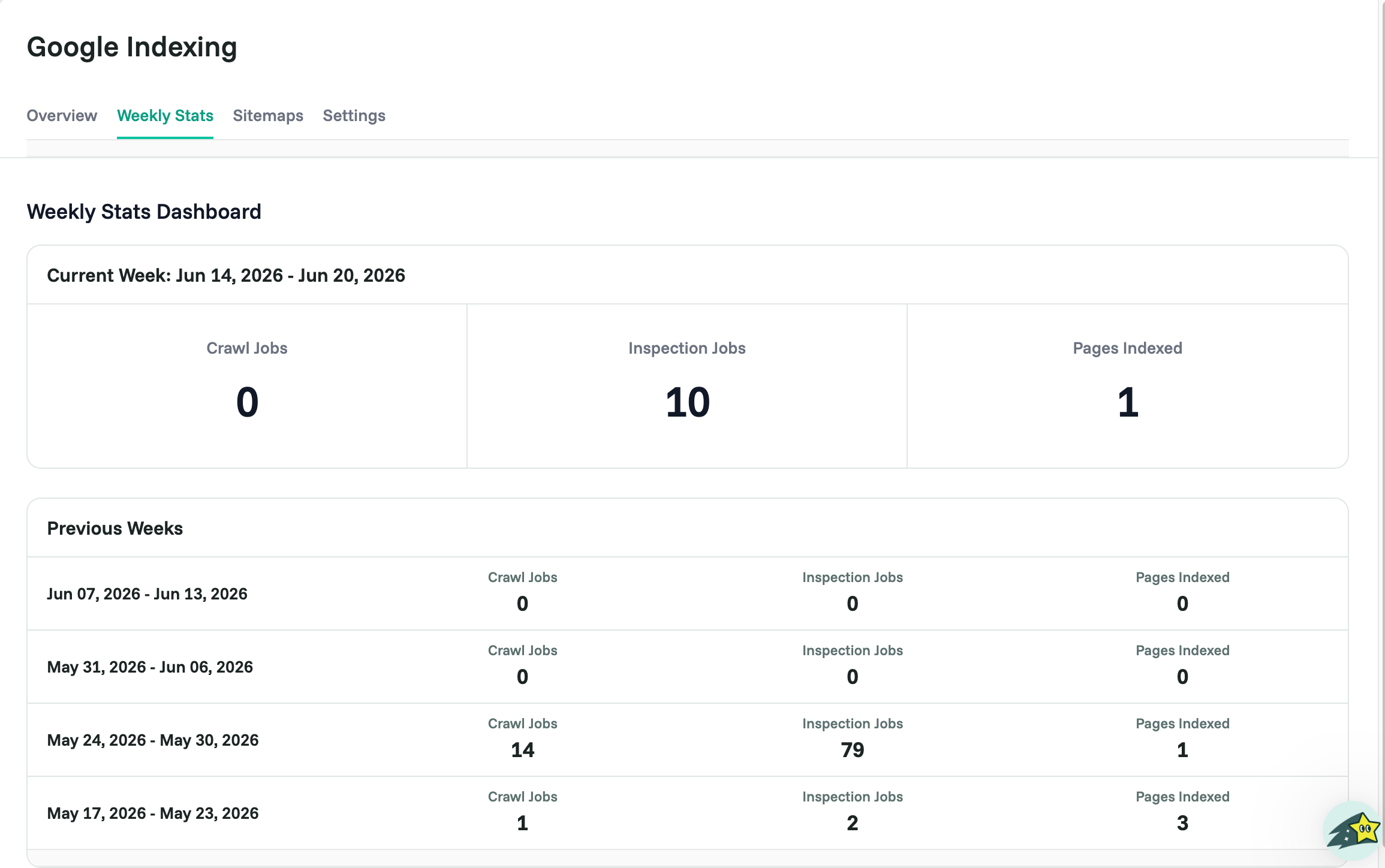
Curious how much Cromojo is doing behind the scenes? Weekly Stats show the crawl and inspection jobs run on your site over the week or month, a quick way to see the engine at work.
Where to find it
Open Google Indexing and click the Weekly Stats tab.
Weekly indexed and de-indexed email digests (Starter and above) are set up in Settings > Notifications.
What you’ll see
A tally of the crawl and inspection jobs Cromojo ran for your site, so you can see how many pages were checked and submitted, and the indexing work happening on your behalf.
Related articles
Was this helpful?
Still need help? Ask the team