Broken Links 🆕
Fix dead links before they cost you traffic
Written By David
Last updated 10 days ago
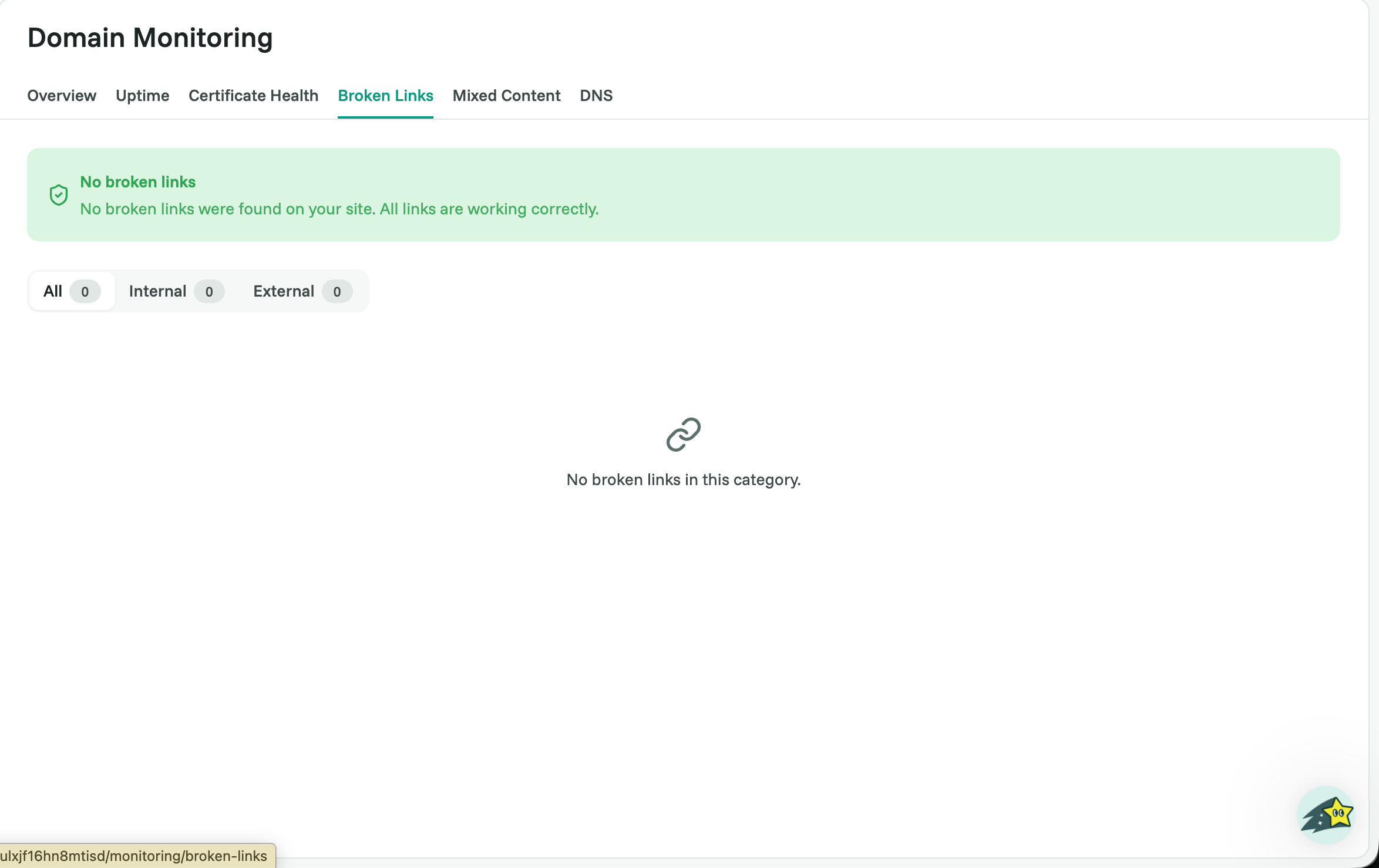
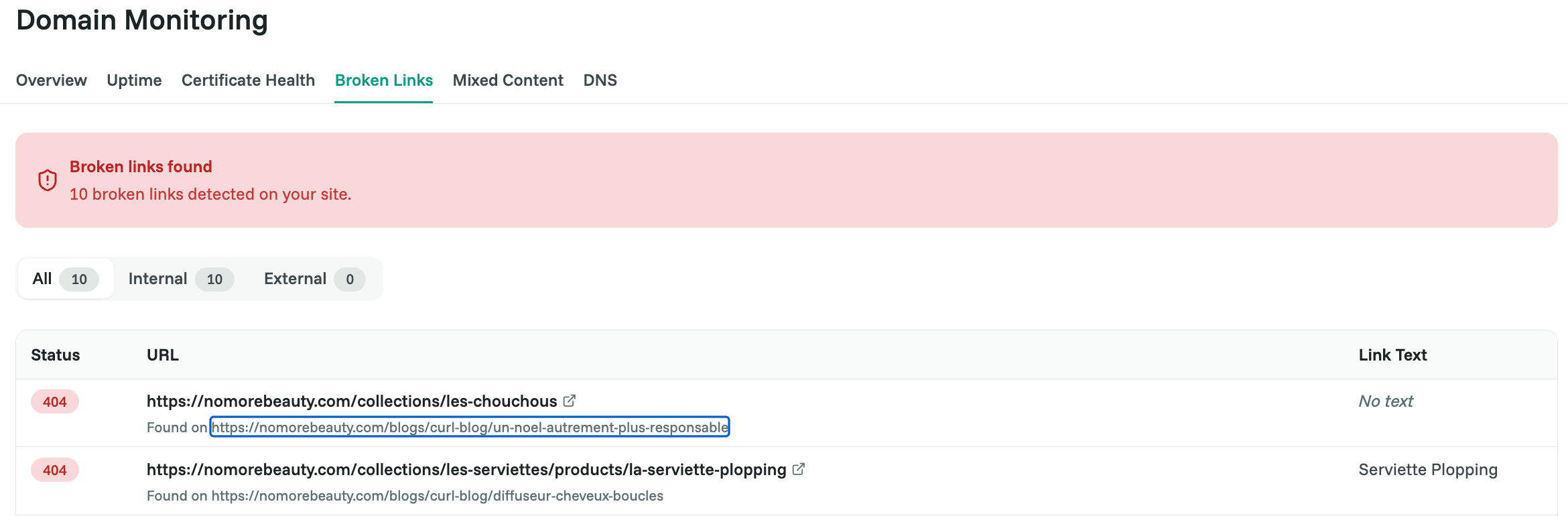
A broken link is a link on your site that leads nowhere, the visitor clicks it and lands on a "404, Page not found" error instead of real content. Cromojo scans your site and lists every broken link it finds, so you can fix them before they frustrate visitors or drag down your SEO.
Where to find it
Open your site in Cromojo, go to Domain Monitoring, and click the Broken Links tab.
Why this matters
Broken links are a small thing that quietly adds up. Visitors who hit a dead end lose trust and often leave. And Google wastes part of its limited "crawl budget" following links that go nowhere, budget it could be spending on indexing your real pages.
How to fix a broken link
For each broken link in the list, pick the option that fits:
Fix the link: if the address has a typo or the page simply moved, update the link to point to the correct URL.
Redirect it: if the target page moved permanently, set up a 301 redirect from the old address to the new one (usually in your CMS or a redirects plugin).
Remove it: if the page is gone for good, delete the link from your content.
After you fix them
Re-check the Broken Links tab after making changes to confirm they've cleared. If you have a long list, start with the links on your most-visited and best-ranking pages, that's where fixes pay off most.