Web Analytics Overview
Privacy-first traffic and conversion analytics
Written By David
Last updated 10 days ago
Cromojo Web Analytics shows you who visits your site, what they do, and what actually drives conversions, without cookie banners or a heavy script.
What you get
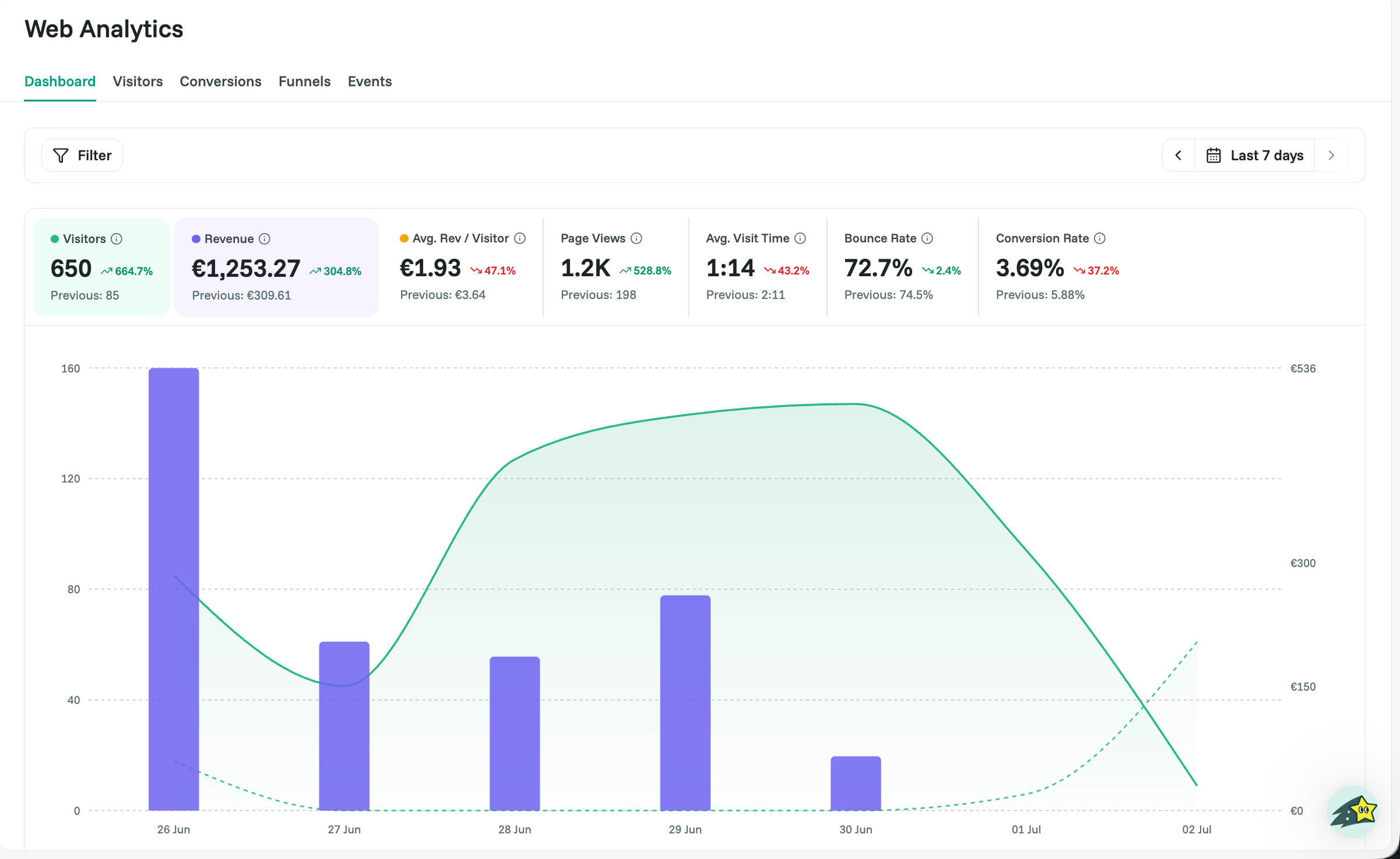
Dashboard: visitors, page views, bounce rate, and conversion rate at a glance, with period-over-period comparisons.
Visitors: slice traffic by page, source, campaign, country, device, and more.
Conversions: measure revenue (Stripe or Shopify) or custom goals.
Funnels: see exactly where visitors drop off on the way to a purchase.
Events: capture custom actions like add to cart or signup.
Set up in 3 steps
Install the tracking script on your site (see Installing Your Analytics Tracking Script).
Optional: connect Stripe or Shopify to tie revenue to traffic (see Setting Up Conversions).
Optional: track custom events for the actions that matter (see Creating & Tracking Custom Events).
The more you track, the sharper Cromojo’s insights become.
Why Cromojo Analytics is different
Privacy-first and cookieless: tracking uses sessionStorage, so in most cases you won’t need a consent popup.
Lightweight: the script loads asynchronously and won’t slow your pages.
All-in-one: indexing, monitoring, and analytics live in the same app.
Related articles
New to Cromojo? Email support@cromojo.com and we’ll help you get set up.